ScreenPulse
A downloadable software for Windows
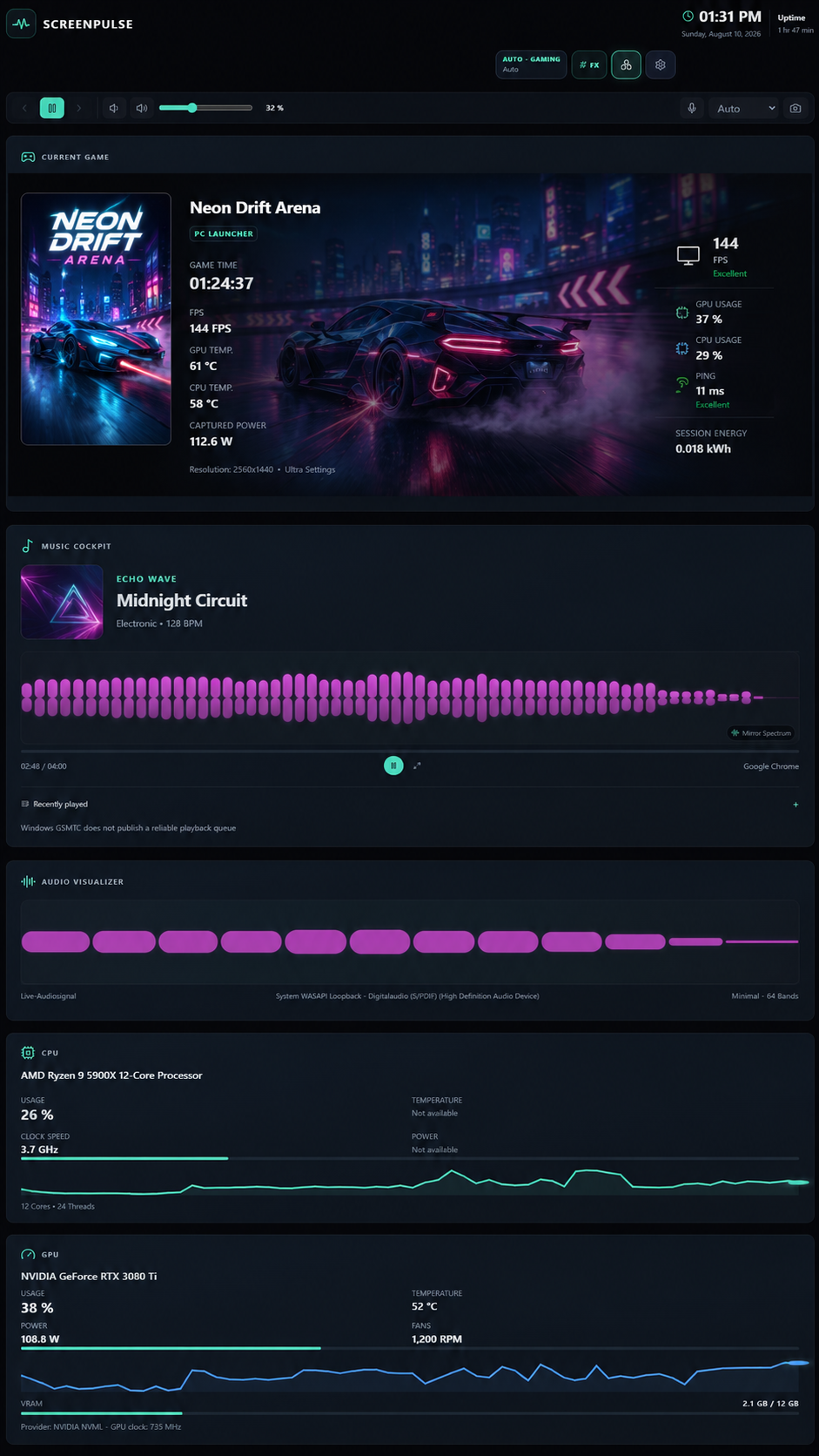
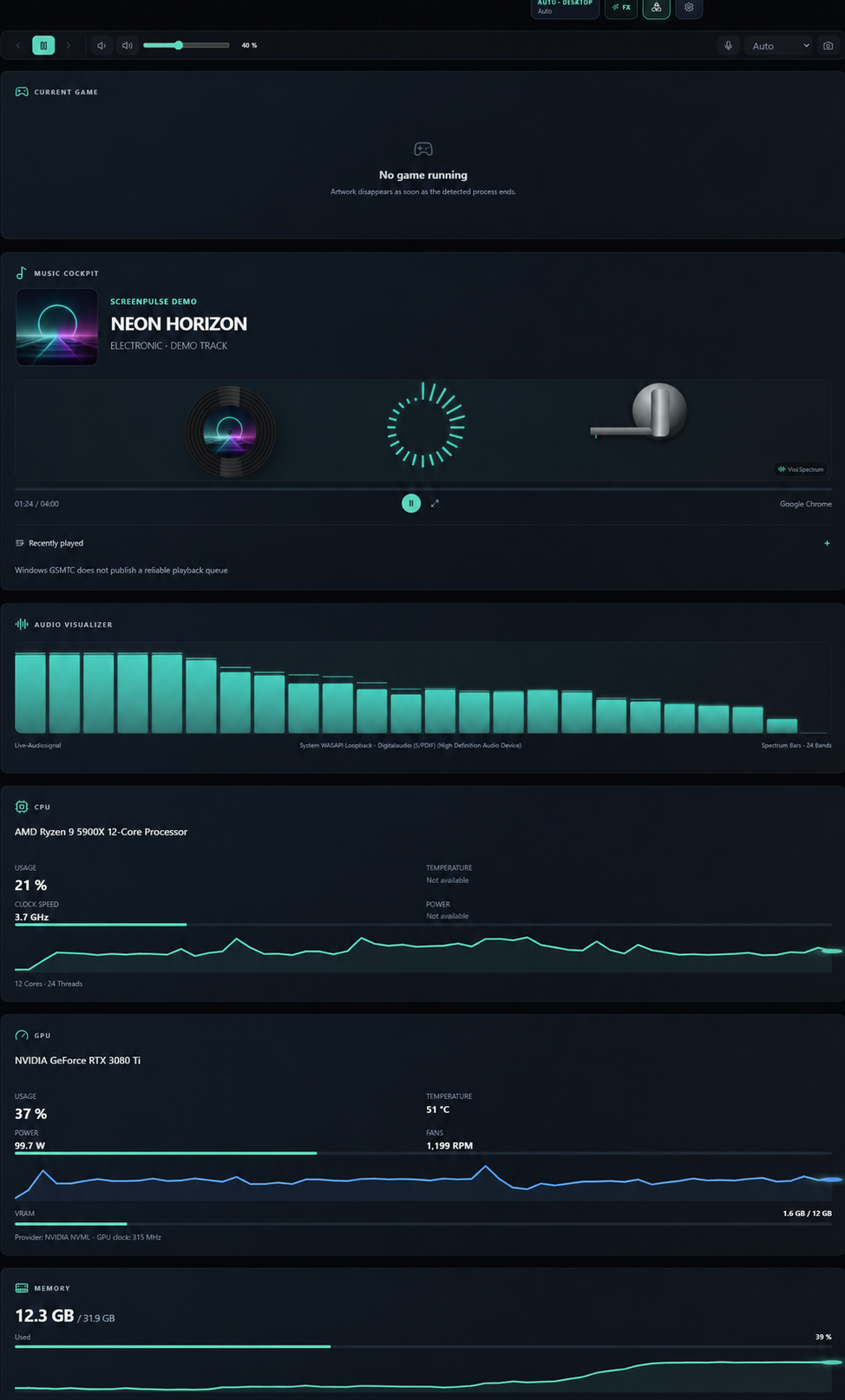
ScreenPulse turns your second monitor, tablet or phone into a customizable live PC dashboard.
Keep an eye on your hardware, gaming sessions, music, system information and more — all in one clean interface.
Features
🖥 Real-time hardware monitoring
🎮 Gaming dashboard & session information
🎵 Music information & audio visualizers
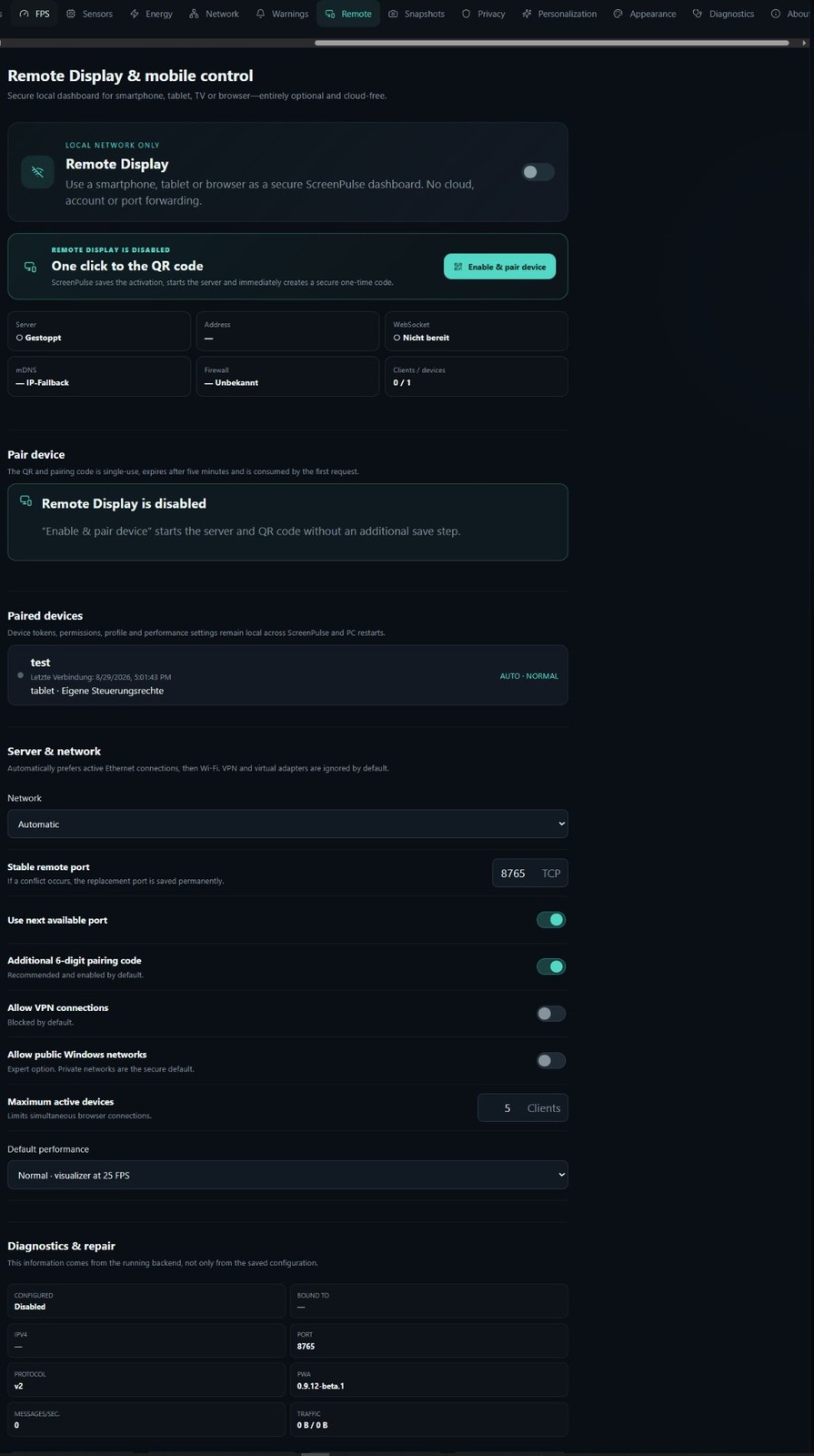
📱 Remote display for tablets and phones
⚡ Energy & cost tracking
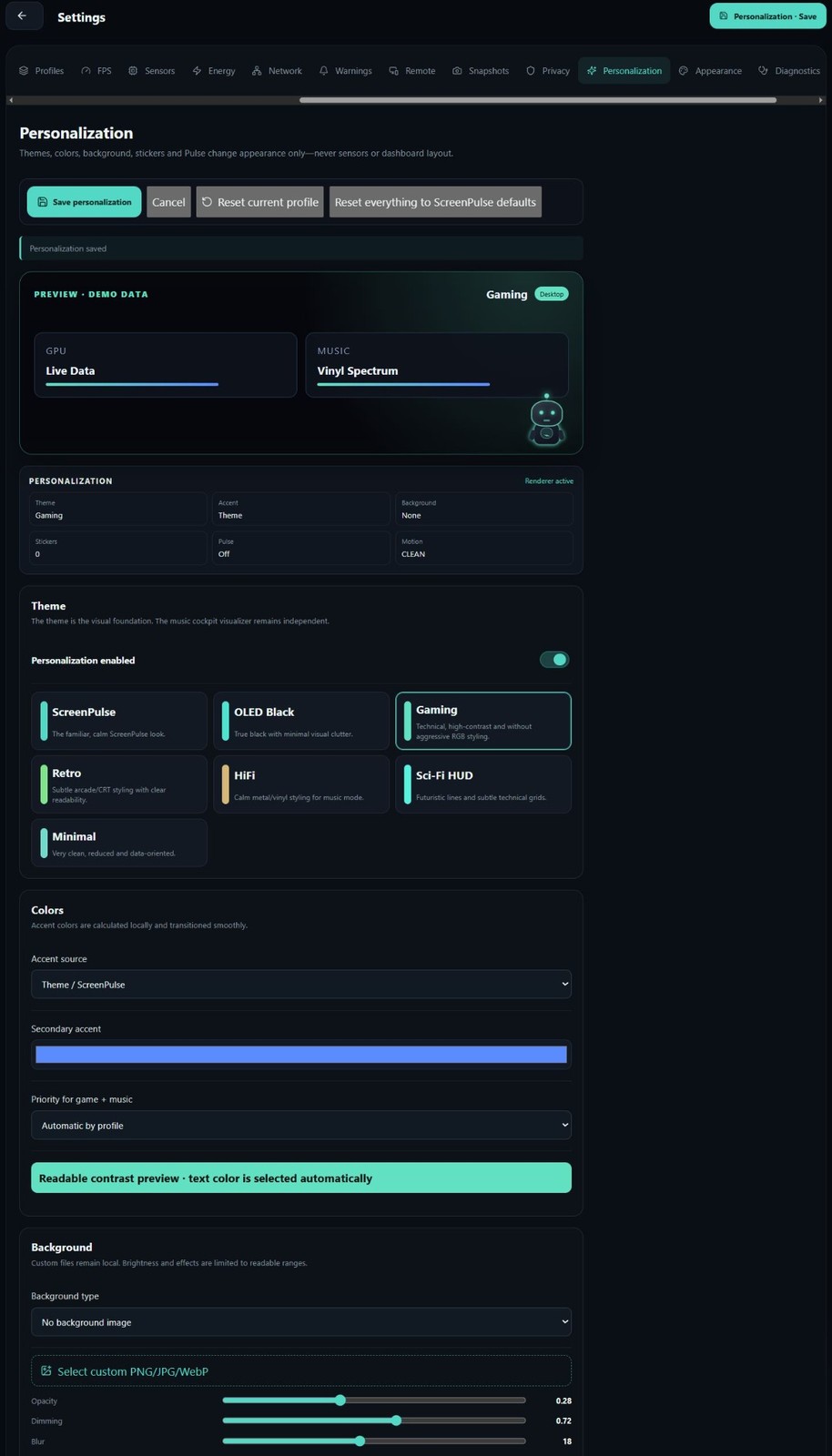
🎨 Customizable layouts, themes and effects
🖥 Portrait, landscape and ultrawide support
Free Public Beta
ScreenPulse is currently in active development and available free of charge during the Public Beta.
Some hardware sensors and features may vary depending on your system, drivers and installed software.
Languages
🇬🇧 English
🇩🇪 Deutsch
🇫🇷 Français
🇪🇸 Español
System Requirements
Windows 10 / Windows 11
64-bit
Feedback
Found a bug or have an idea?
📧 info@betrilo.de
ScreenPulse by Betrilo
Your PC. Everything in view.
Download
Install instructions
Installation
- Download
ScreenPulse-Beta-Setup-0.9.12-beta.1-x64.exe. - Run the installer and follow the setup instructions.
- Launch ScreenPulse from the Start Menu or desktop shortcut.
Windows SmartScreen
ScreenPulse Public Beta is currently not digitally signed, so Windows SmartScreen may display a warning when launching the installer for the first time.
ScreenPulse requires Windows 10 or Windows 11 (64-bit).
No additional software or runtime needs to be installed manually.
SHA-256
DFDE8A24BFA439F6638DCCB223A26DEABD603C0ADE7282A7F866D8B12AD32E29
Leave a comment
Log in with itch.io to leave a comment.